

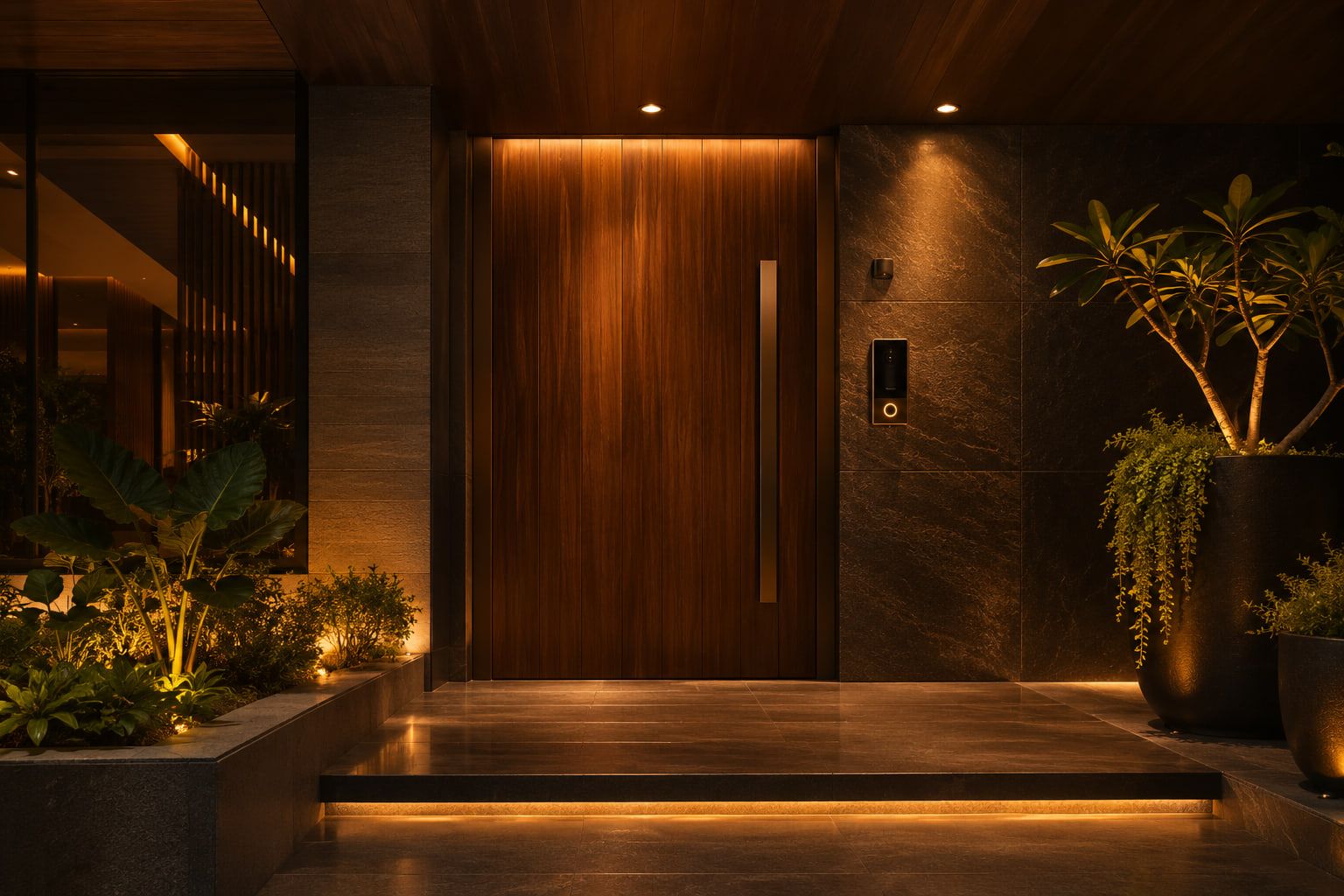

Villa at night protected by Ajax wireless security detectors
Security @avboxindia

Ajax wireless security, planned and installed by an authorised partner.

Ajax devices run on batteries and talk to a central hub by radio, so they go onto finished walls without chiselling. Here is the range we install, what each part does, and how we choose between them for a home.

Vinayak Nagar, Gachibowli · +91 93557 83557

Why Ajax (01)

Wireless, battery powered and easy to expand.

An Ajax system is built around one hub. Detectors, sirens and keypads join it over an encrypted radio link, so a finished apartment or villa can be protected without opening walls, and more devices can be added later as needs change.

You control it from a phone app, and the hub can report over more than one connection, so a broadband cut does not leave the home unwatched. Our security page explains how this fits with video door phones, smart locks and CCTV.

Ajax Pro Certificate confirming AV BOX LLP as an Ajax Authorized Installer in India

Authorised installer for India

AV BOX LLP holds an Ajax Pro certificate as an Authorized Installer in India. Buying through an authorised installer means genuine products, manufacturer warranty and direct technical support. See it with our other credentials on the certificates page.

The range, by job (02)

Every part of an Ajax system, and what it does.

Model names below are Ajax's own, so you can match them to a quotation. For full technical sheets, use the Ajax catalogue.

01

Hubs

The control panel every other device talks to. Models differ mainly in how they reach the internet: Ethernet, Wi-Fi, one or two SIM cards.

How we use it: We pick the hub from the property: how many floors, how reliable the broadband is, and whether you want the system to keep reporting when the internet is down.

  • Hub 2 Plus
  • Hub 2 (4G)
  • Hub 2 (2G)
  • Hub (4G)
  • Hub (2G)
  • Hub BP
02

Starter kits

Bundles of a hub with a few detectors and a key fob, sold as a convenient first set.

How we use it: Handy for a small apartment. For villas we usually specify devices one by one, so you do not pay for parts of a kit you would not use.

  • StarterKit
  • StarterKit 2
  • StarterKit Plus
  • StarterKit Cam
  • StarterKit Cam Plus
  • StarterKit (4G)
03

Motion detectors

Indoor sensors that notice movement. Plus models add a second sensing method, curtain models watch a narrow band such as a balcony door, and MotionCam sends a photo when it triggers.

How we use it: We place them on the routes an intruder would take, away from heat sources and direct sun, and use curtain or photo models where false alarms or verification matter.

  • MotionProtect
  • MotionProtect Plus
  • MotionProtect Curtain
  • CombiProtect
  • MotionCam
04

Door, window and glass-break sensors

Contacts that report when a door or window opens, and microphones that listen for breaking glass. The Plus contact also reacts to shock and tilt.

How we use it: Every ground-floor door and window that can be reached from outside gets a contact; large glass facades get glass-break coverage.

  • DoorProtect
  • DoorProtect Plus
  • GlassProtect
  • CombiProtect
05

Outdoor detectors

Weather-rated sensors for compound walls, terraces and driveways, so an intruder is noticed before reaching the building.

How we use it: Useful for independent villas, where the first alert should come from the boundary, not the front door.

  • MotionProtect Outdoor
  • Curtain Outdoor
  • DualCurtain Outdoor
  • MotionCam Outdoor
06

Keypads, buttons and key fobs

The everyday controls: arm and disarm at the door, carry a key fob, or press a panic or hold-up button.

How we use it: Family members, staff and guests can each have their own way to arm or disarm, so access can be changed without re-keying anything.

  • KeyPad
  • KeyPad Plus
  • KeyPad TouchScreen
  • KeyPad Outdoor
  • SpaceControl
  • Button
  • DoubleButton
07

Sirens

Indoor sirens for the household and outdoor sirens that deter and alert the street.

How we use it: We position them so the sound carries through the home and out to neighbours, not just inside one room.

  • HomeSiren
  • HomeSiren Plus
  • StreetSiren
  • StreetSiren DoubleDeck
08

Range extenders, power and enclosures

Range extenders strengthen the wireless link in large or heavily built homes. Power units and cases house hubs and modules.

How we use it: In multi-floor RCC villas we check signal strength at each floor and add an extender where the slab weakens it.

  • ReX
  • ReX 2
  • 12V and 12-24V power supply units
  • Case A to E
09

Relays and integration modules

Modules that switch mains devices, close a dry contact, or bring a third-party detector or compatible lock into the Ajax system.

How we use it: We use them to tie security to the rest of the building, for example a wired sensor you already own.

  • WallSwitch
  • Relay
  • Transmitter
  • MultiTransmitter
  • LockBridge

Ajax also makes regional variants of some devices. Availability differs by country, so we confirm the models supplied in India in your quotation.

How we plan it (03)

Planned from your floor plan, not from a kit.

We walk the property or study its plans, then mark every entry point, route and glass area. From that we choose the hub, the detectors and where the sirens and keypads sit.

Where concrete slabs weaken the radio link we measure and add range extenders. Each device is named by room in the app, tested on site, and you are shown how to arm, disarm and add family members before we leave.

Want to see a system working first? Visit our Gachibowli Experience Center, or use the cost estimator for an indicative figure.

Questions (04)

FAQ · Straight answers

Questions homeowners ask us

01 Is AV Box an authorised Ajax installer?

Yes. AV BOX LLP holds an Ajax Pro certificate as an Authorized Installer for India. You can see it on our certificates page, so you can confirm it before you buy.

02 Which Ajax hub should I choose?

It depends on how the system should stay connected. A home with steady broadband may need only Ethernet or Wi-Fi, while a villa that is often empty benefits from a model with SIM cards, so alerts still reach you if the internet drops. We recommend one after a site visit.

03 How many detectors does a home need?

There is no single number. Each opening that can be reached from outside needs a sensor, each route through the house needs motion coverage, and large glass areas need glass-break sensors. We list the devices room by room in the quotation, so you can see what each one protects.

04 Can Ajax send me a photo when an alarm triggers?

Yes, with the MotionCam models, which capture photos when they detect movement, so you can check whether an alert is real. They cost more than a plain motion detector, so we suggest them where verification matters most.

05 Do all Ajax models sold abroad come to India?

Not always. Ajax makes regional variants of some devices, and availability differs by country. We confirm which models are supplied in India, with warranty terms, in your quotation.

06 How much does an Ajax system cost?

It depends on the hub, the number and type of detectors, and any outdoor or photo models. Our cost estimator gives an indicative range, and a site visit gives a firm quotation.

Ask the AV Box team · Vinayak Nagar, Gachibowli

Hear it before you build it.

Experience Dolby Atmos, Zigbee lighting scenes and Ajax security in a working room at our Gachibowli Experience Center — then take home a measured, itemised proposal.

Book a DEMO now WhatsApp